Vicodin Online Purchase I am trying to work on a project to be finished by Columbus Day – fingers crossed. Following through the videos of 6.1-6.3 I was able to test out the new code as it may apply to what I am trying to do. (I am trying to make an embarrassing interface for my aunt’s 65th birthday.)
click FIRST THINGS FIRST:
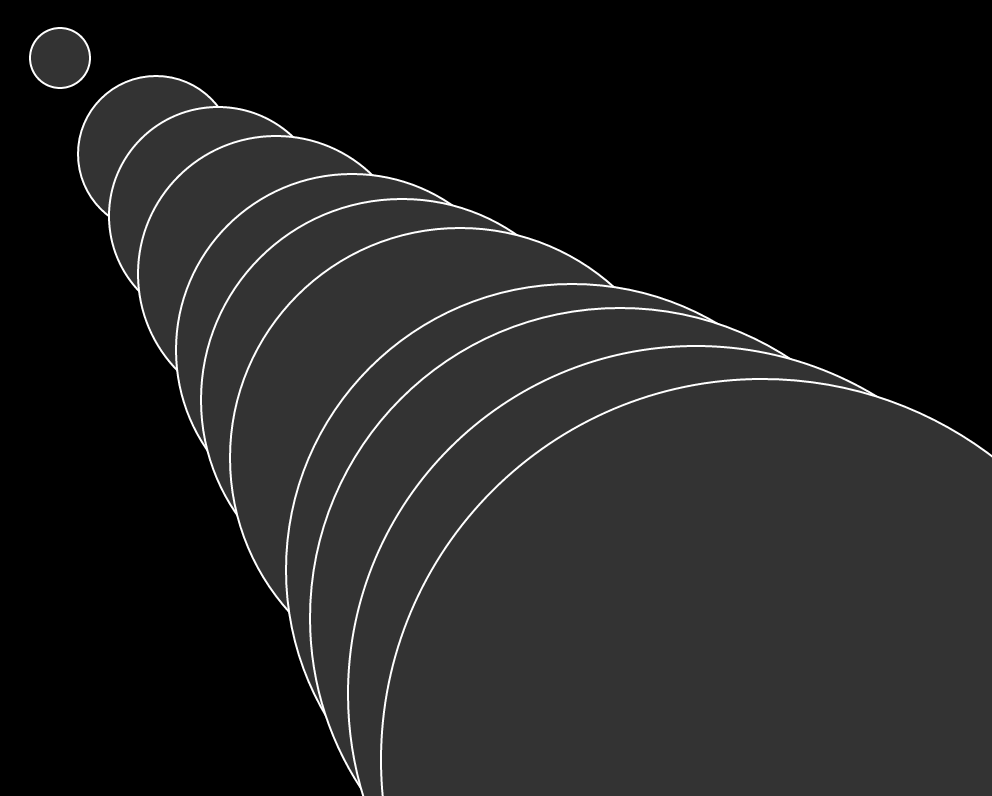
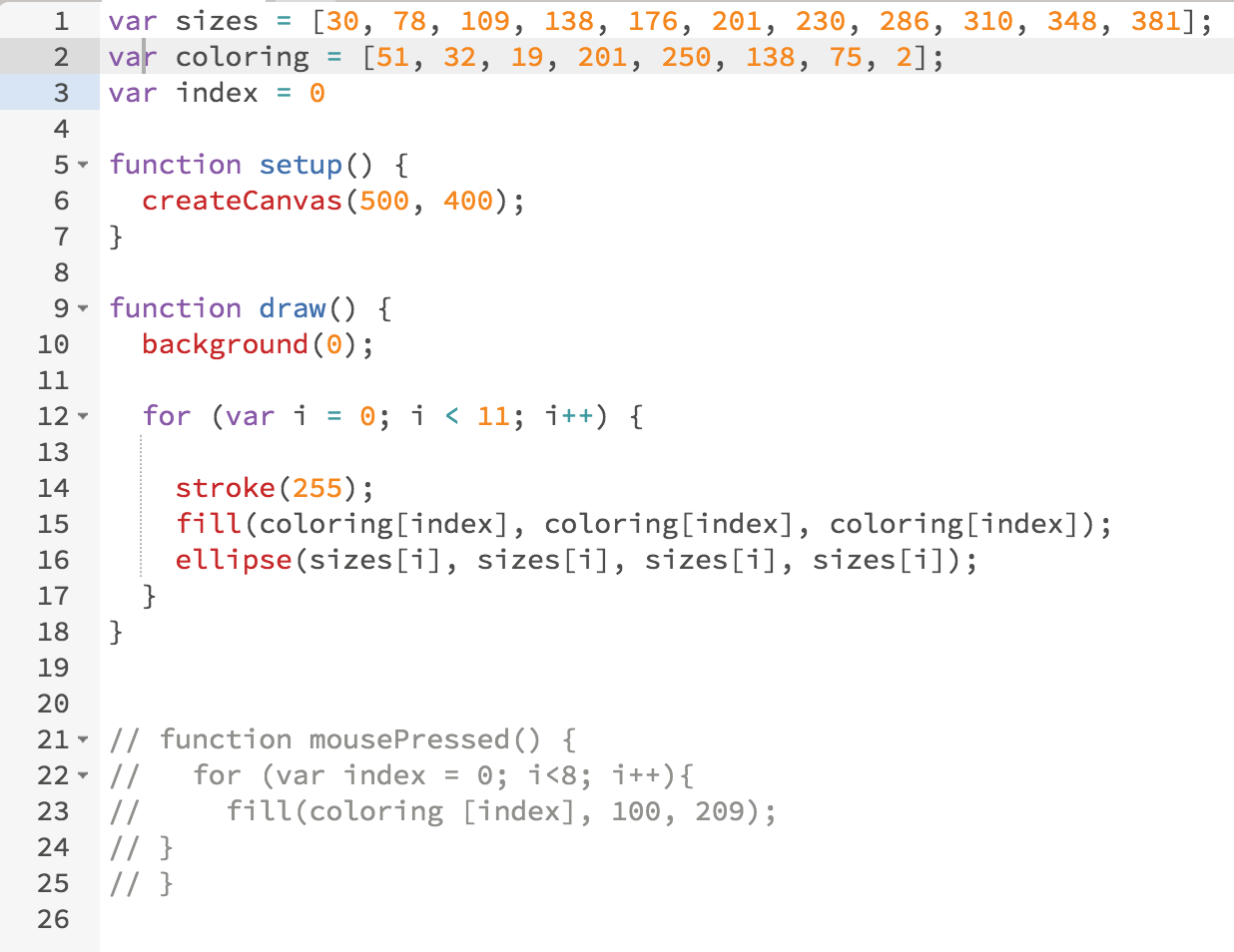
I did get through the video tests successfully, however I wanted to add a mousePressed function on to the 6.2 video example and had trouble. I was trying to have the colors change when the mouse was clicked. No matter what I did, if I clicked the mouse, nothing changed. I tried various ways and I would love to learn how to add this type of function to the code.
https://ottawaphotographer.com/courtyard-wedding/
https://londonplaywrightsblog.com/etcetera-theatre-women-writers-festival/ APPLICATION OF NEW MATERIAL
https://www.fogliandpartners.com/matteo-carfagnini/ SUCCESS:
I was able to have the images load and display. This was something I had trouble with during the synthesis. Also I was able to resize the images correctly.
Order Lyrica Online In this code you can see the arrays of the object, which are photos of my aunt at 2 different ages. They are flickering wildly, which is where I come to several of my questions:
- How do I get the objects to move slower? I played around with numbers and could not get any/much change.
- What do the X & Y mean in relation to the random () numbers in the image under the display in the setup?
- Why are the photos staying only in those specific spots and how can I change that (I tried messing around and I can’t figure out 100% the relation – see question 2).
https://luckydubz.com/make-appointment/ var gildas = [];
var gildaYoung;
var gilda2000s;
Zolpidem Buy Online function preload() {
gildaYoung = loadImage(“gildahead.png”);
gilda2000s = loadImage(“gilda2000s.jpg”);
}
go to link function setup() {
createCanvas(600, 400);
for (var i = 0; i < 10 ; i++) {
gildas[i] = {
x: 10,
y: 10,
display: function() {
//image (gildaYoung, random (0, width), random (0, height));
image(gildaYoung, random(19, 200), random(100,200));
image(gilda2000s, random(200, 500), random(200, 500));
},
move: function() {
this.x = this.x + random(-.001, .001);
this.y = this.y + random(-.001, .001);
}
}
}
}
function draw() {
background(0);
for (var i = 0; i < gildas.length; i++) {
gildas[i].move();
gildas[i].display();
}
}
https://www.dentistcorpuschristitexas.com/laser-dental-treatment/
Pregabalin 300Mg Buy Online Now, on to videos 6.4 and 6.5…
https://ottawaphotographer.com/courtyard-wedding/ UPDATE:
source link Constructor function success with Gildas (I bet you never thought you’d see so many Gildas in one place in your life):
Order Tramadol Online Struggles: Having much trouble getting the mousePressed function to work going through the examples in video 6.5 and mirroring the code. SOS. Help.
Buy Lorazepam Online Without Prescription var gildas = [];
var gildaYoung;
var gilda2000s;
enter site function preload() {
gildaYoung = loadImage(“gildahead.png”);
gilda2000s = loadImage(“gilda2000s.jpg”);
}
source url function setup() {
createCanvas(600, 400);
for (var i = 0; i < 10; i++) {
gildas[i] = new Gildaface();
click here }
}
https://www.mejorayhumanizate.com/empresas/ function draw() {
background(0);
for (var i = 0; i < gildas.length; i++) {
gildas[i].move();
gildas[i].display();
}
}
Order Ambien Online function Gildaface(){
this.x = 10;
this.y = 10;
this.display = function() {
image(gildaYoung, random(19, 200), random(100, 200));
image(gilda2000s, random(200, 500), random(200, 500));
}
go site this.move = function() {
this.x = this.x + random(-.001, .001);
this.y = this.y + random(-.001, .001);
}
}
Leave a Reply